
Virus, Malware & Cybersecurity Services
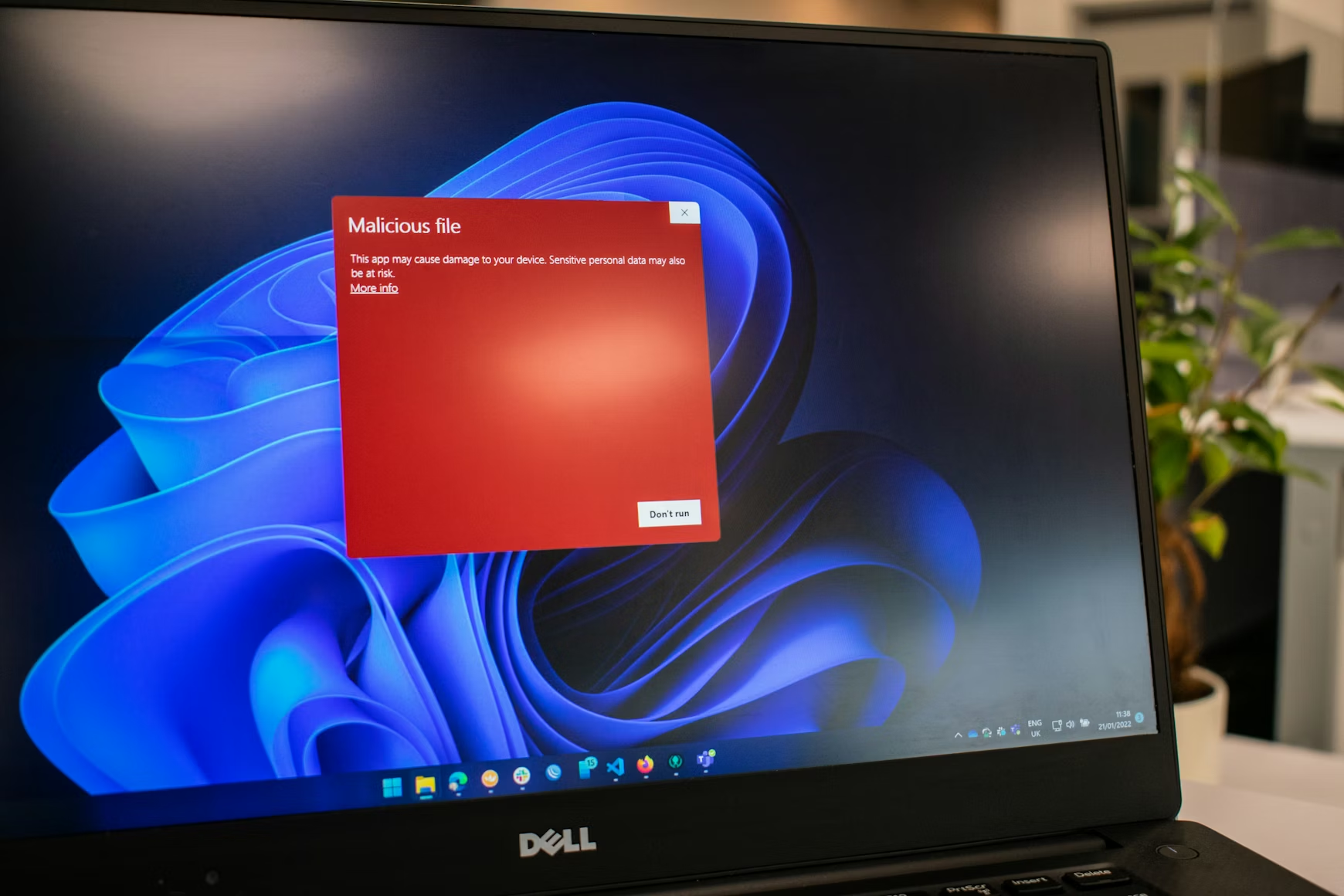
Virus and malware removal is one of the most common reasons people call us — and one of the most important services that we provide.
If your computer is running slowly, behaving strangely, showing unexpected popups, or if you suspect something isn’t right — trust your instincts. Viruses, malware, ransomware, and spyware are more sophisticated than ever and even careful, experienced users can find themselves dealing with an infection or a security breach.
The good news is that most situations are recoverable — and the sooner you call us the better.
We Remove:
Browser hijackers and toolbars
Viruses and worms
Spyware and adware
Malware of all kinds
Ransomware
Trojans and rootkits
Unwanted remote access software
We Don’t Just Remove the Problem — We Fix What Caused It
Removing an infection is only half the job. We identify how it got in, close the vulnerability, and put protections in place to prevent reinfection. That might mean configuring your firewall, updating your operating system and software, adjusting your security settings, or recommending a better approach to your backups.
For Small Businesses — The Stakes Are Higher
A malware infection or ransomware attack on a business network can mean hours or days of downtime, lost data, and serious financial consequences. We provide network security assessments, firewall configuration, endpoint protection, and practical guidance to help your team avoid the most common attack vectors — phishing emails, weak passwords, and unpatched software.
Signs You May Have a Problem:
- Computer running unusually slowly
- Unexpected popups or browser redirects
- Programs opening or closing on their own
- Files missing or inaccessible
- Unusual network activity
- Receiving reports that your email is sending spam
If any of these sound familiar give us a call. We’ll tell you honestly what we’re dealing with and what it will take to get you back to normal.
What to Do Before You Call
A few simple steps can make a significant difference to the outcome:
If at all possible unplug the network cable, turn off WiFi or power down completely. This prevents further intrusion or the chance of the computer being used without your knowledge.
Stop using the computer for anything sensitive — no online banking, no email passwords
Don’t install any software promising to fix the problem — many are scams themselves
Don’t pay any ransom or fee demanded by a popup or caller Write down any error messages or popup text you’ve seen — it helps with diagnosis Call us — the sooner the better
The less the computer is used between noticing the problem and us looking at it the better the chances of a complete resolution.